How to use lstopo to visualize System Topology
lstopo is an excellent tool for generating intuitive, concise system topology diagrams. This article documents small issues I encountered while using it—it is not a comprehensive manual. For detailed options, refer to the official documentation: lstopo(1) - Linux man page.
The term “topo” in
lstopostands for “topology” (referring to computer system topology).
Installation
Many Linux distributions come with hwloc preinstalled. If your system lacks it (e.g., Ubuntu), install it with:
sudo apt install hwloc
lstopois responsible for visually displaying the topology detected byhwloc.
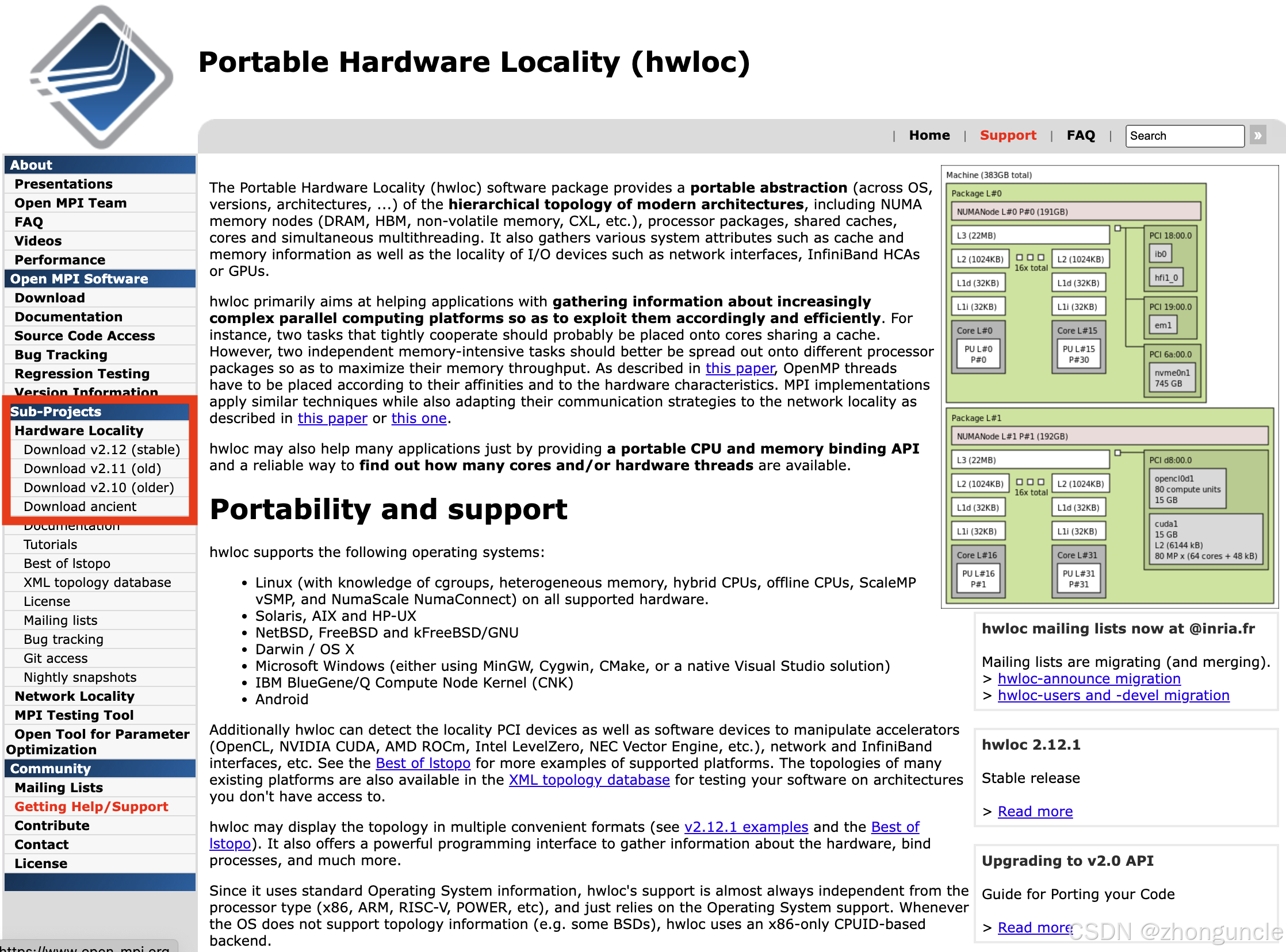
Alternatively, install it manually from Portable Hardware Locality (hwloc). Download from the “Sub-Projects” section, as highlighted in the red box below:
Print to Command Line
To print a nicely formatted system topology directly in the terminal, use this simple command:
lstopo --of ascii -p
Parameter Explanations:
--of ascii: Specifies ASCII output (uses ASCII art—characters arranged to form a diagram). For example, here’s an ASCII art door:
-p: Prints physical IDs (labeled asP#; use-lfor logical IDs labeledL#).
Sample Terminal Output:
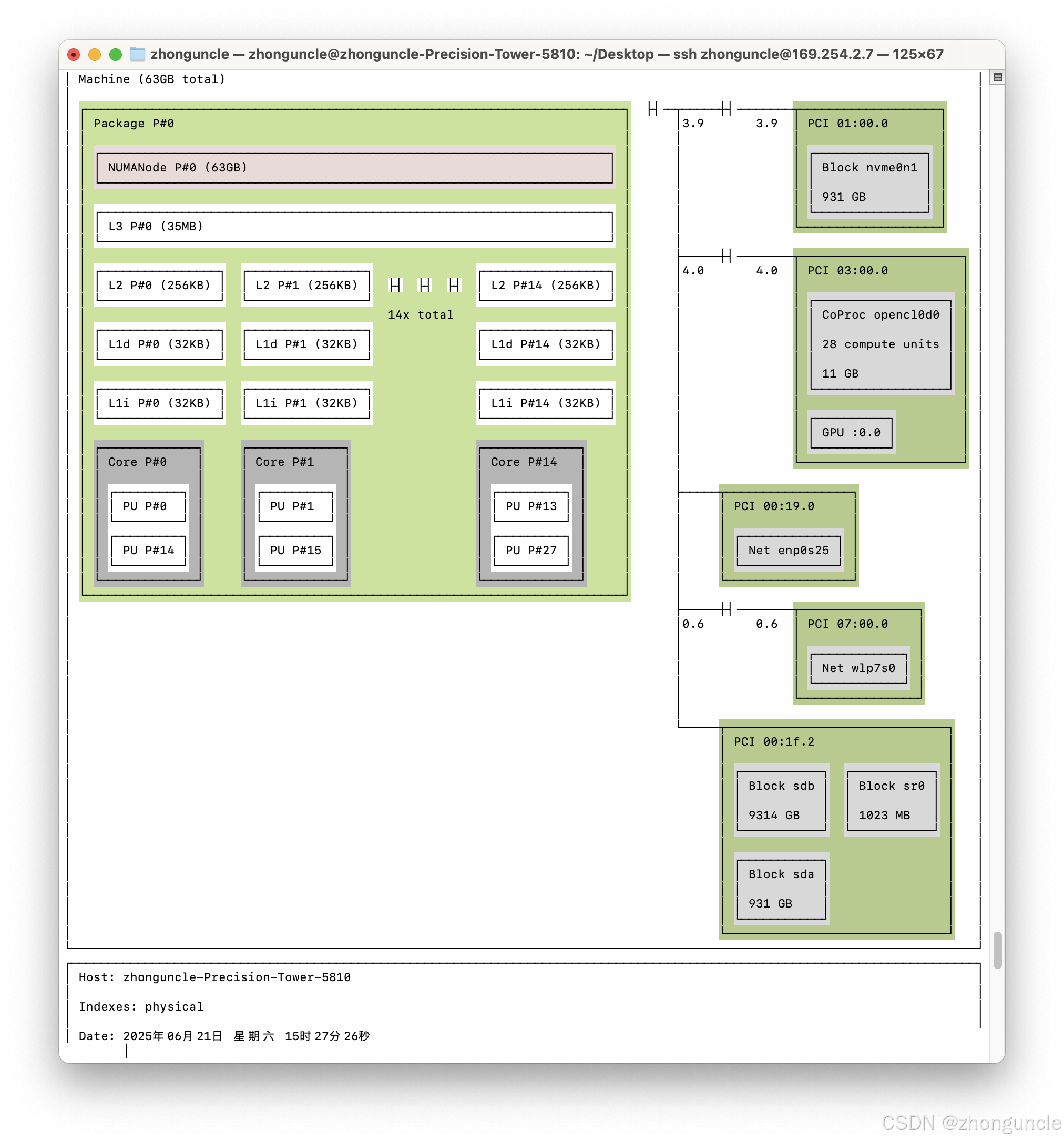
The output shows the CPU’s three-level cache, processing units within each core, and PCI devices.
Generate Image/File Formats
lstopo supports generating formats like PNG, JPG, SVG, PDF, and XML. Below is an example using SVG:
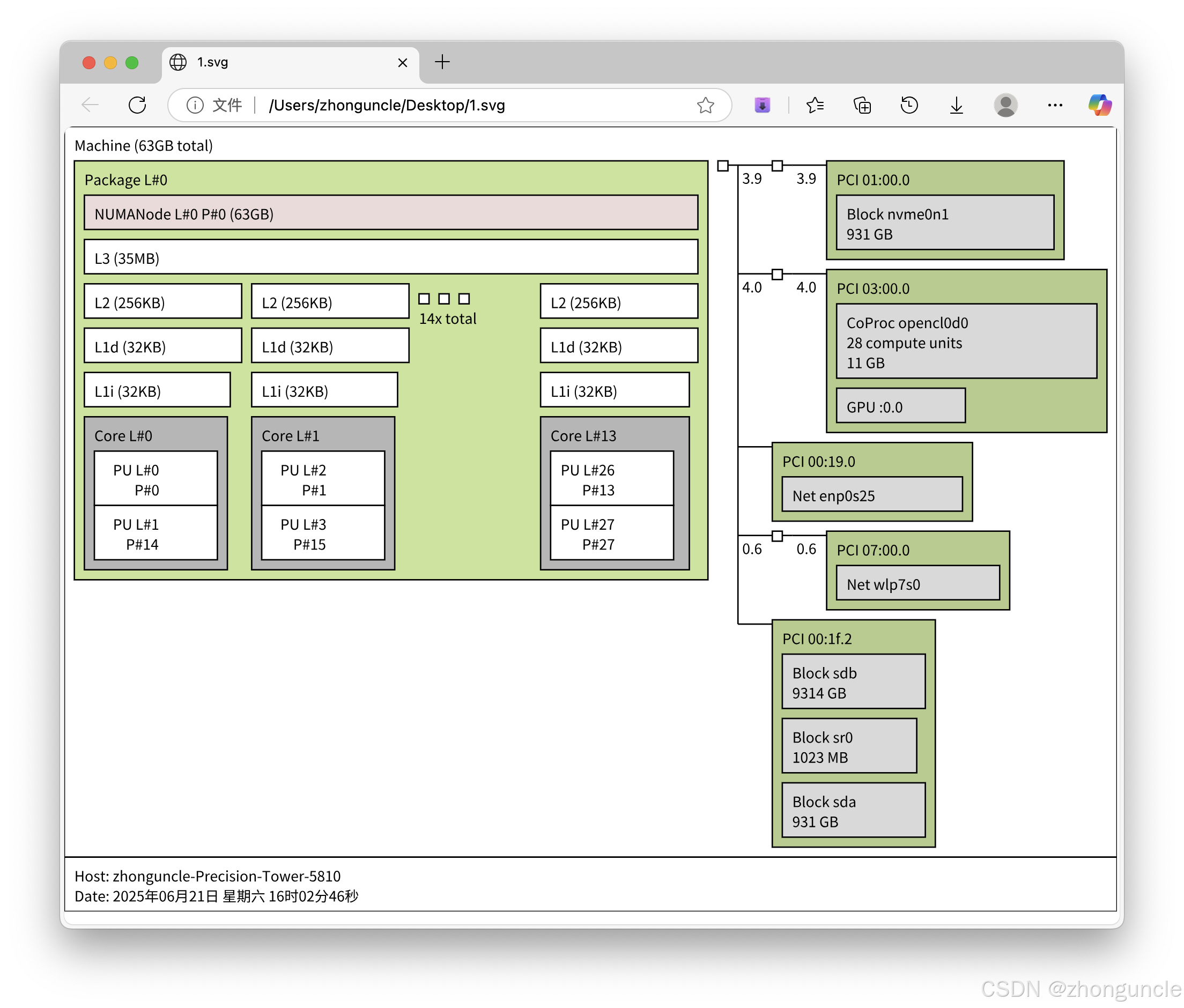
Command to Generate SVG:
env LANG=zh_CN.UTF-8 lstopo --output-format svg > 1.svg
--output-formatis the full name of the shorthand--of.
Key Note for Chinese Display:
The env LANG=zh_CN.UTF-8 prefix ensures Chinese characters render correctly (without it, Chinese text may appear as square boxes □):

Simplified Command:
You can also use this shorter command to generate files (automatically detects format from the extension):
env LANG=zh_CN.UTF-8 lstopo 1.svg
Overwrite Existing Files:
Add the -f flag to force overwrite existing files:
env LANG=zh_CN.UTF-8 lstopo 1.svg -f
Other Formats:
Replace the file extension to generate other formats:
- XML:
env LANG=zh_CN.UTF-8 lstopo 1.xml - PNG:
env LANG=zh_CN.UTF-8 lstopo 1.png -f
For all supported formats, see the “OUTPUT FORMATS” section in lstopo(1) - Linux man page.
Why did I show the longer
--output-formatcommand first? Many documents use it—likely for historical reasons. I prefer documenting multiple working methods; you never know when a specific scenario might require one over the other.
Important Note: PNG/JPG Quality Issues
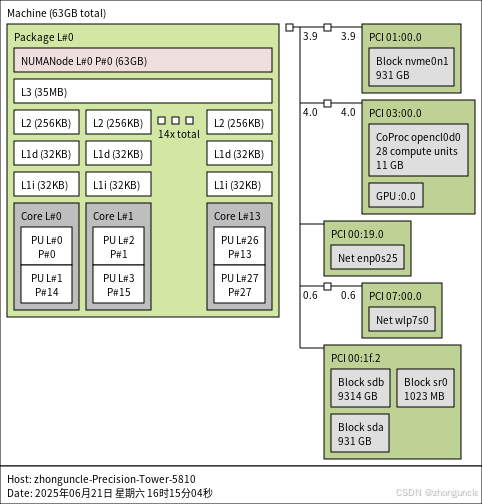
PNG and JPG are common formats (e.g., for blog posts), but they tend to be blurry (not due to compression). Smaller images may look acceptable, but larger ones suffer from poor clarity:
Solution: Use PDF as an Intermediate Format
To get clear images:
- Generate a PDF first.
- Convert the PDF to PNG/JPG.
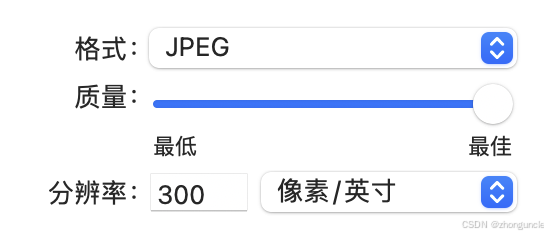
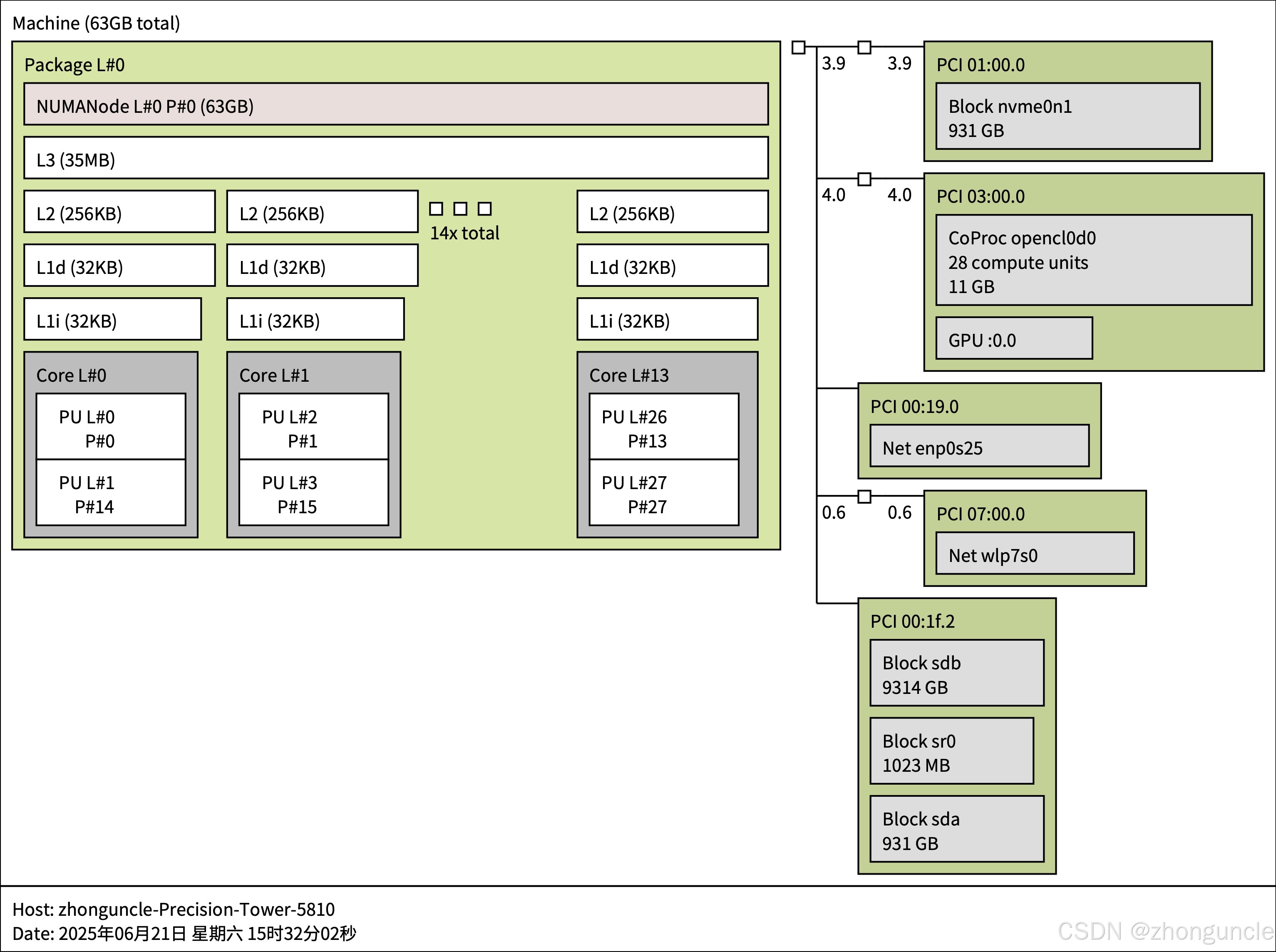
The resulting image will be sharp:
Why Not SVG as an Intermediate Format?
On macOS, converting SVG to images often results in empty files for unknown reasons:
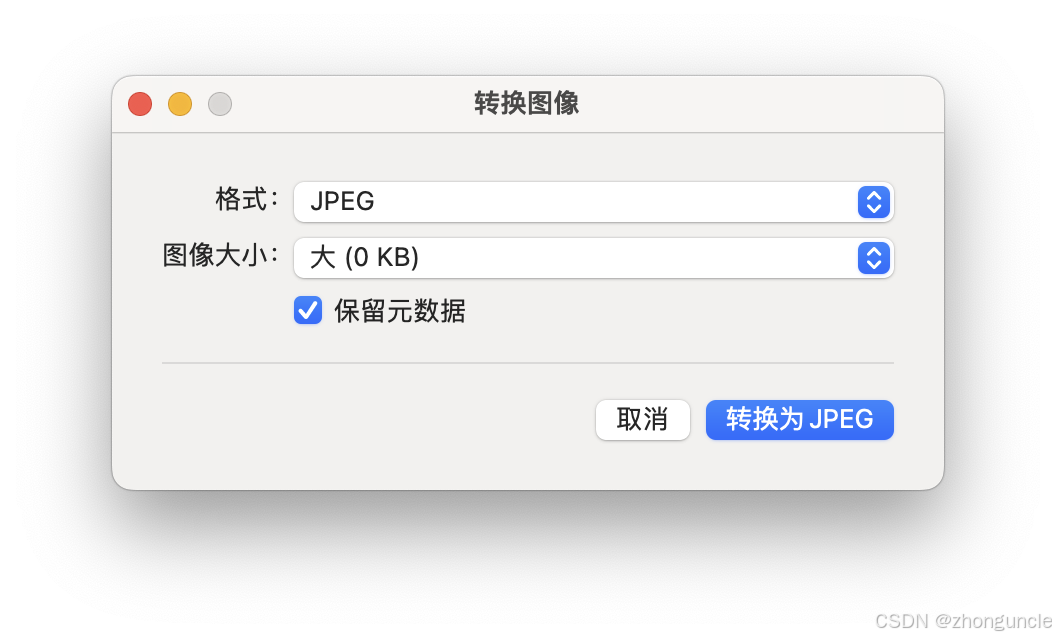
Third-party tools can fix this, but I prefer using built-in utilities when possible.
I hope these will help someone in need~
References/Further Reading
- ASCII Art Archive: An archive of ASCII art works. You may also encounter this style in comments on platforms like Douyin. A similar style called CACA Format will be covered in a future blog post.
- Note: When searching for SVG-to-PNG tools, I discovered macOS’s built-in
qlmanage(used for generating thumbnails). However, it produces square images, which may crop parts of the topology diagram. - lstopo(1) - Linux man page: Official
lstopomanual with useful examples. - Hwloc tutorial: Official tutorial covering
lstopousage, library integration, and advanced features (for intermediate/advanced users). - Validate PCI Switch System Topology - NVIDIA Docs: NVIDIA’s guide to validating PCI switch topology, including a brief introduction to installing and using
lstopo.