Animagine XL V3.1 Complete Guide: Master SD WebUI Parameters & Prompt Writing (Teach You to Fish)
Yesterday, I spent hours experimenting with Animagine XL V3.1 and realized most tutorials online only “give you fish rather than teach you how to fish.” Understandably, why share the secrets when you can make money from them? On Xianyu (a Chinese second-hand platform), some people even charge 200 yuan just to deploy Deepseek for others. Still, I want to write this article—it may not be comprehensive, but I’ll try to show you how to find resources or craft your own prompts instead of just copying and pasting.
First, here’s what the Stable Diffusion WebUI interface looks like:
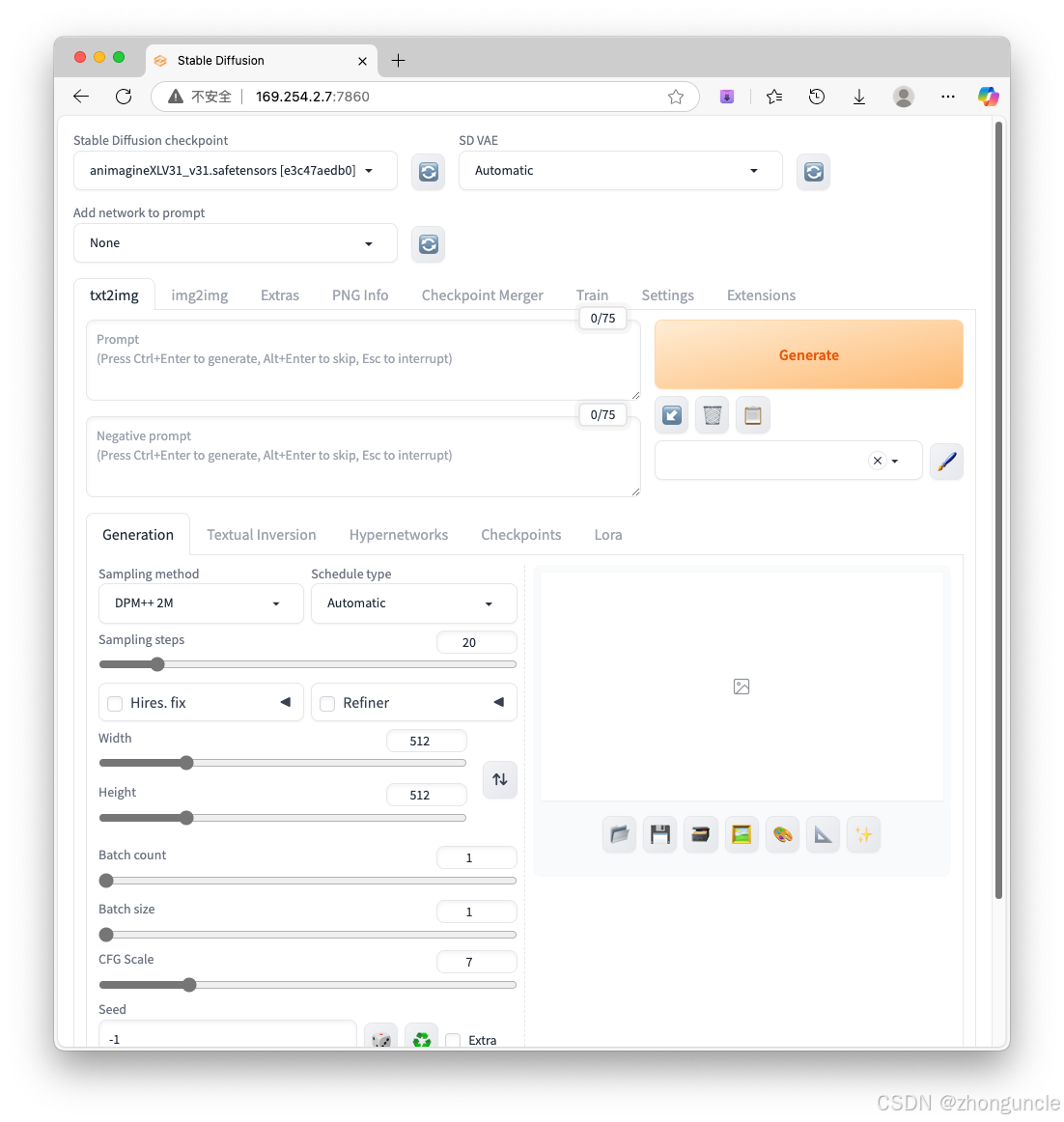
Below, I’ll only introduce key or commonly used parameters (with brief explanations)—detailed demos follow later:
- Stable Diffusion checkpoint: The model you select. Located in
stable-diffusion-webui/models/Stable-diffusion. - Prompt: Positive prompts—what you want to generate.
- Negative Prompt: Negative prompts—what you don’t want to generate.
- Sampling steps: Sampling iterations. Higher values = more image details.
- Width/Height: Image dimensions. Note: These are linked to detail quality—smaller sizes result in fewer details.
- Batch count: Number of image batches. Higher values reduce generation noise.
- Batch size: Number of images generated per batch. Higher values require more VRAM; otherwise, speed will slow down.
- CFG Scale: Adherence to prompt instructions. Typically 7–12. Use 12–16 if your prompt is highly detailed. Lower values allow more creative freedom.
- Seed: Random seed. Save the seed if you’re satisfied with an image—adjust other parameters for consistent variations. Default
-1= random seed.
Parameter Demos
We’ll start with demos of non-prompt parameters (Prompt and Negative Prompt are more complex and covered later).
Fixed Base Prompt
Positive Prompt
1girl, looking at viewer, wool coat, fur collar, smile, standing on a hillside, snowfall, mountains in the background, masterpiece, best quality, very aesthetic, 1990s style, retro artstyle,
Negative Prompt
lowres, bad anatomy, displeasing, ugly, fewer digit, extra digit, missing fingers, bad hands, blurry, (low quality, worst quality:1.3)
Width and Height
As mentioned, dimensions directly impact detail quality. Compare 512x512 vs. 1024x1024 (Seed: 3503979678, Sampling steps: 20, CFG Scale: 7):
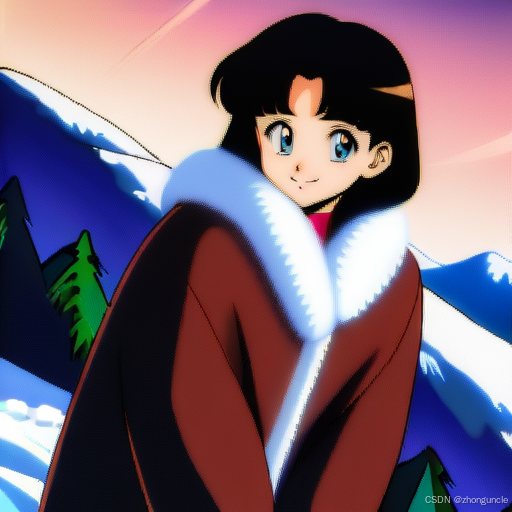
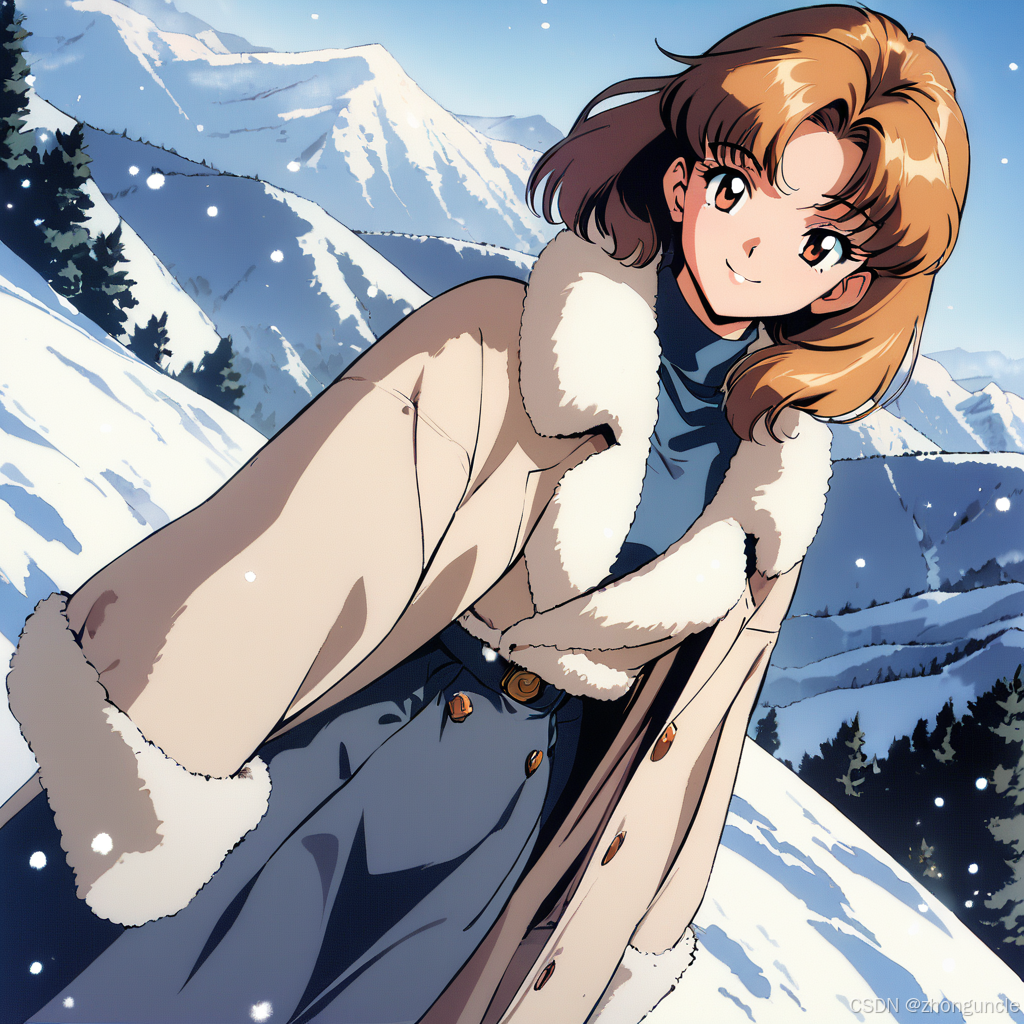
The detail gap is striking.
Dimensions also affect composition. Compare 512x1024, 1024x1024, and 1024x2048:
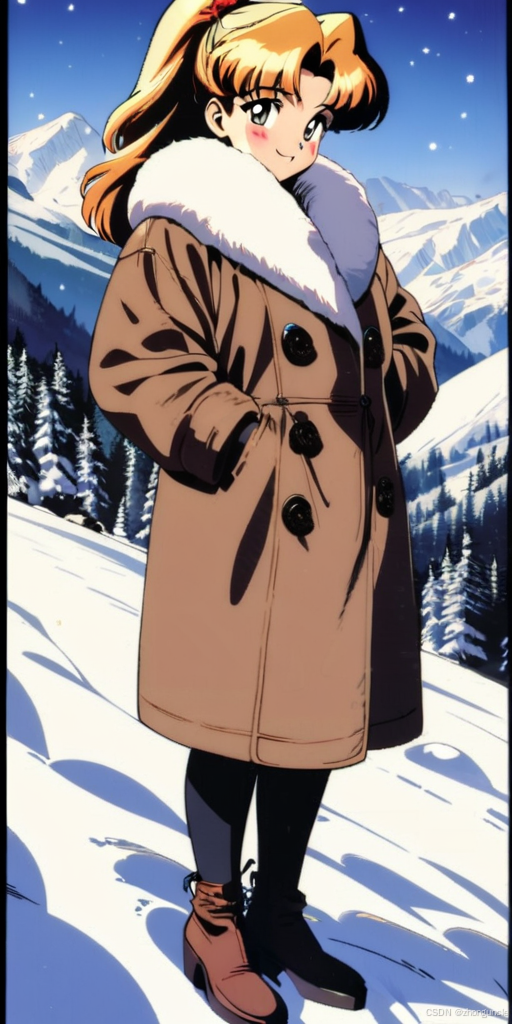
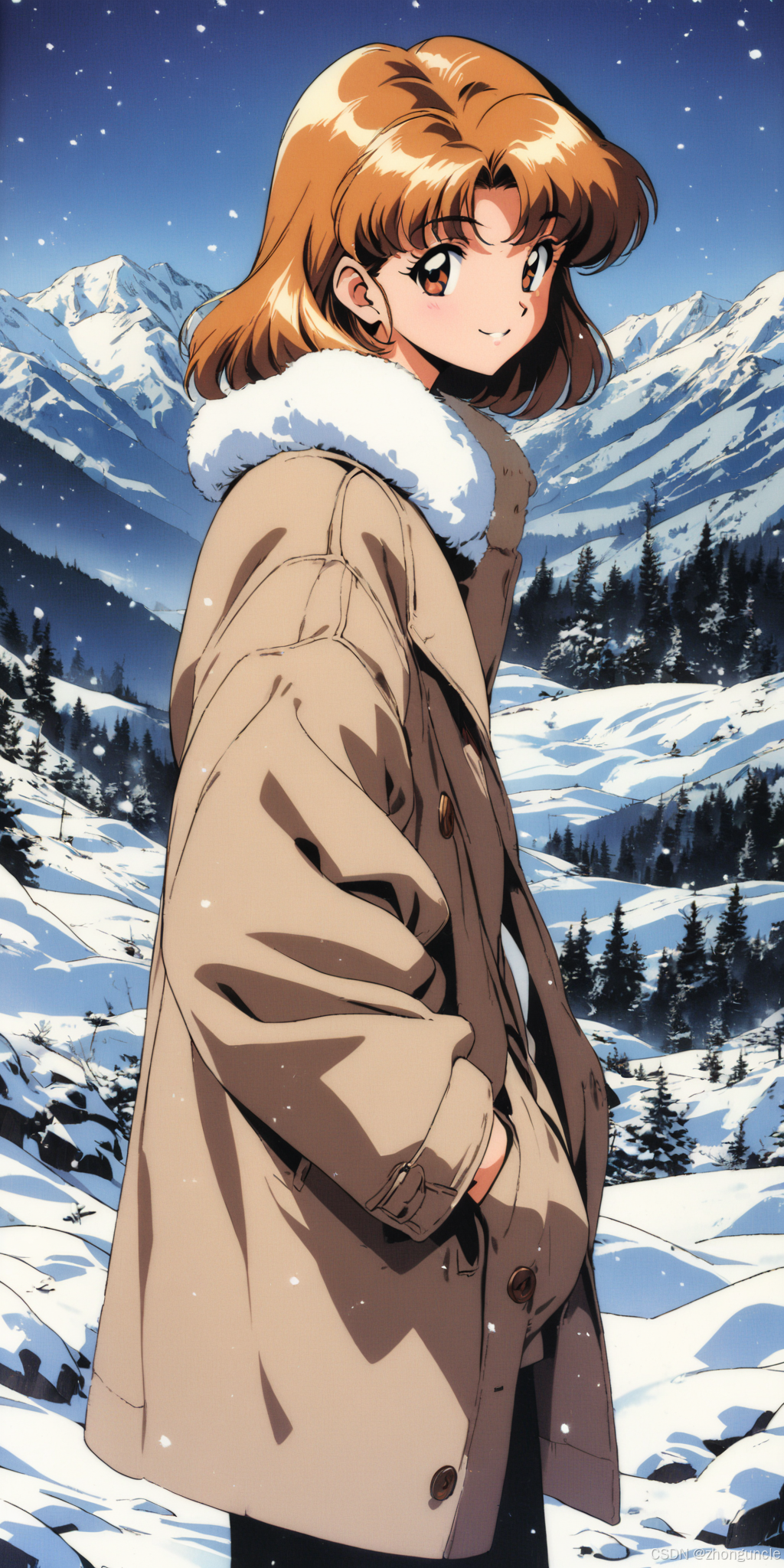
Pro Tip for Dimensions
Since SD is trained on 1024x1024 images, results are best when (Width + Height) is a multiple of 1024. Recommended aspect ratios:
- 1:1: 1024x1024, 768x768
- 3:2: 1152x768
- 2:3: 768x1152
- 4:3: 1152x864
- 3:4: 864x1152
- 16:9: 1360x768
- 9:16: 768x1360
Sampling Steps
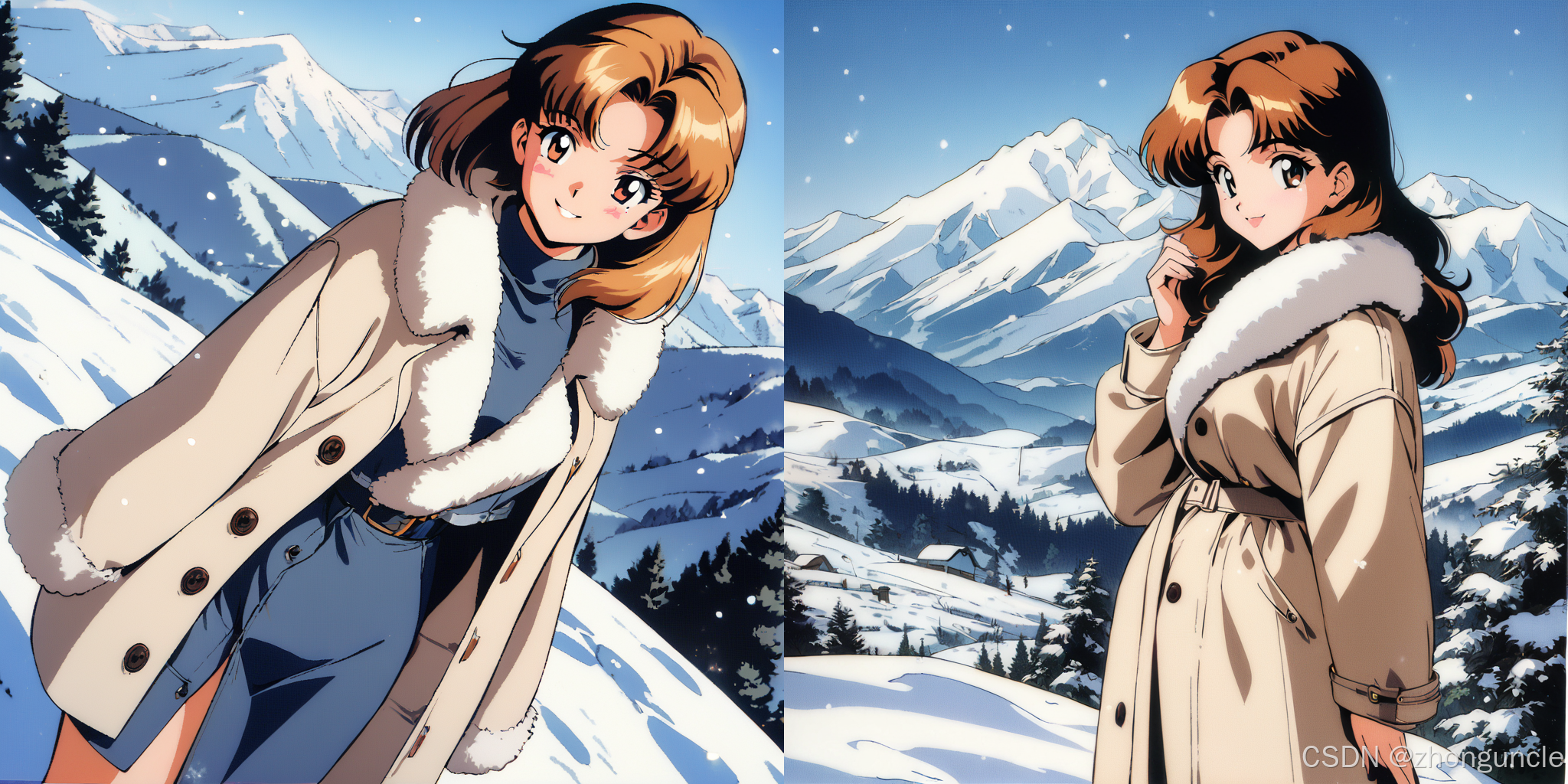
Sampling steps enhance detail. 30–40 steps are sufficient for most cases:
- Use 20 steps if either dimension is below 1024.
- Use ~35 steps for 1024+ dimensions.
Demo with Sampling steps increased to 35 (same base parameters):
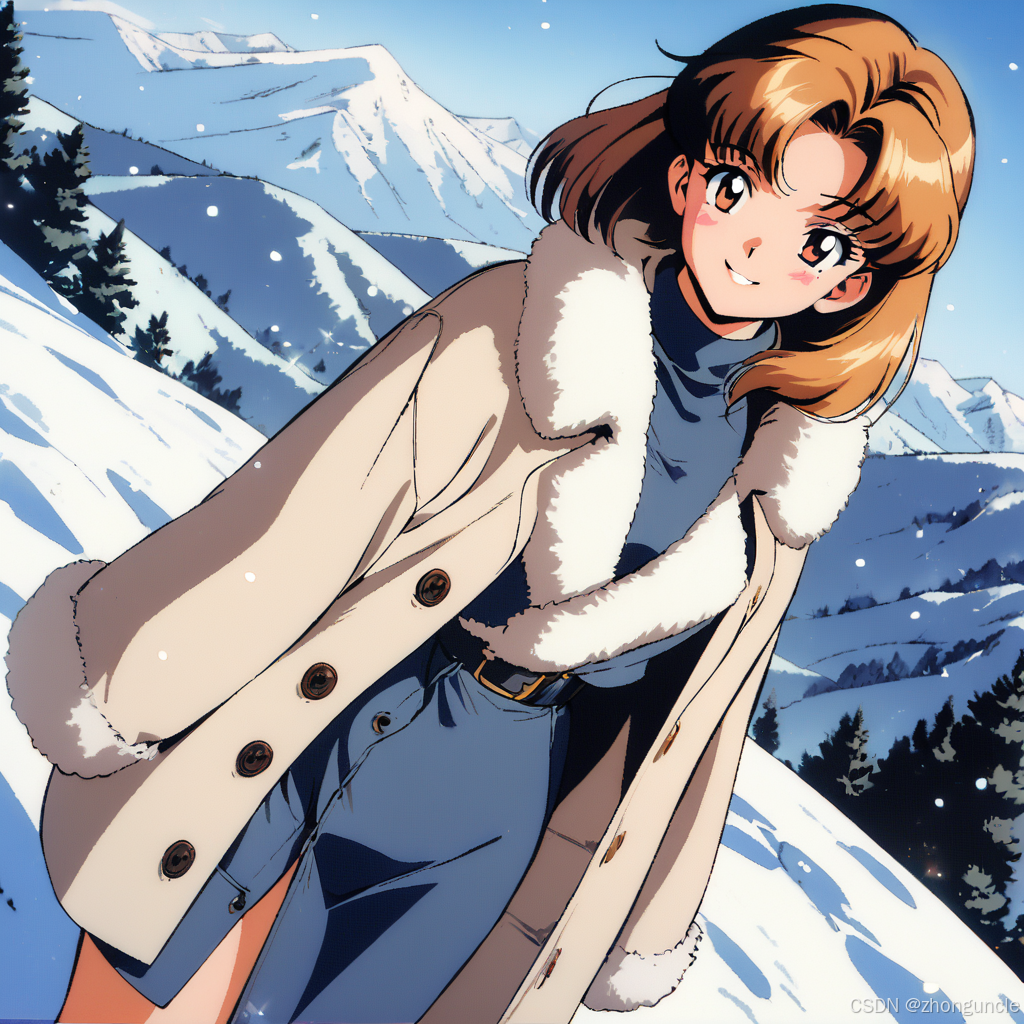
Notice more facial/background details and richer color gradients—zoom in on the hair for a clearer comparison.
Batch Count and Batch Size
- Batch count: Number of batches.
- Batch size: Number of images per batch.
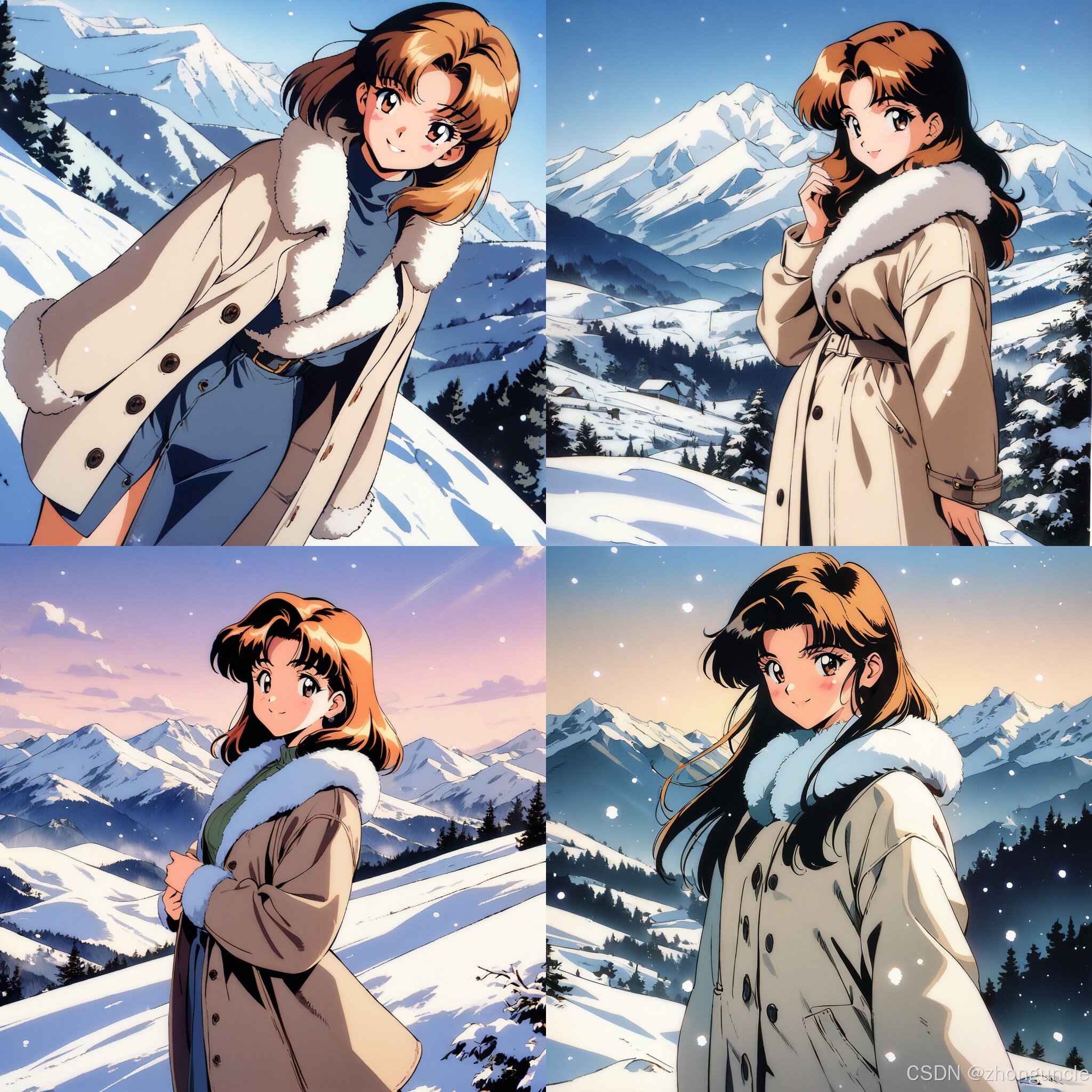
Important Note: Even with a fixed seed, Batch count and Batch size will increment the seed. For example, the 4 images below use seeds 3503979678~3503979681.
Demo 1: Batch count = 4, Batch size = 1
Generated images:
Demo 2: Batch count = 1, Batch size = 2
Images generate simultaneously:
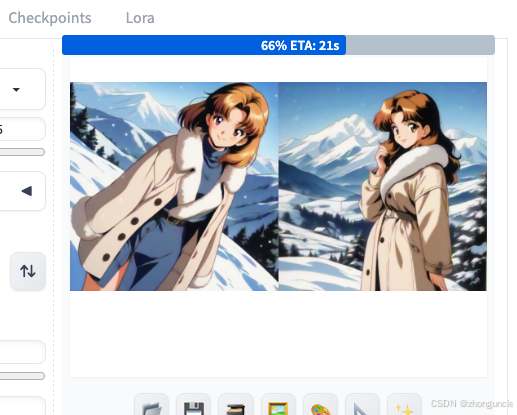
Generated images:
Seed
The seed acts as the “foundation” for image generation. As shown in the batch demos, seed variations drastically change the output.
How to View the Seed
- After generation, the seed is displayed below the image:
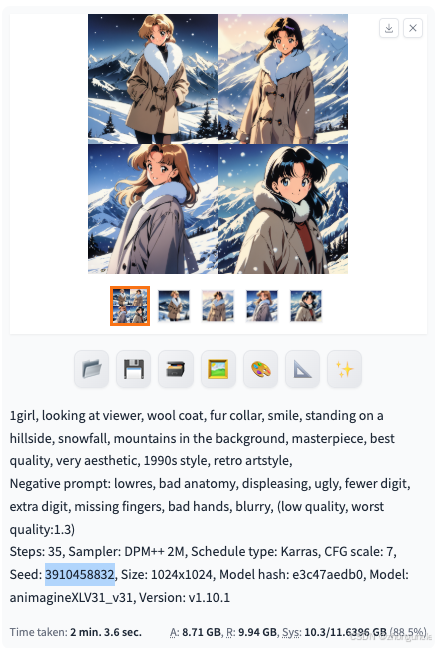
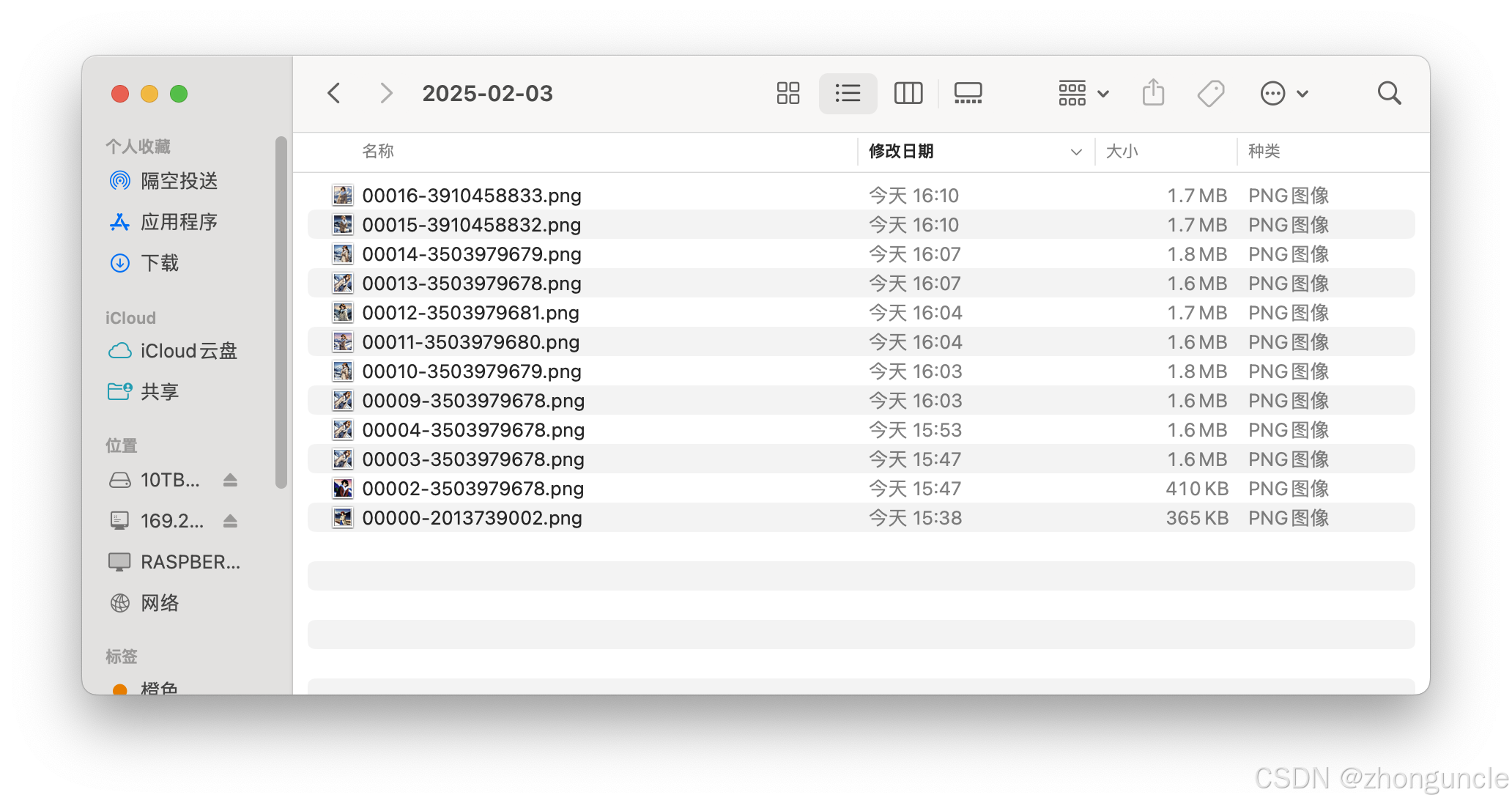
- The seed is also included in the filename in
stable-diffusion-webui/output—easy to retrieve later:
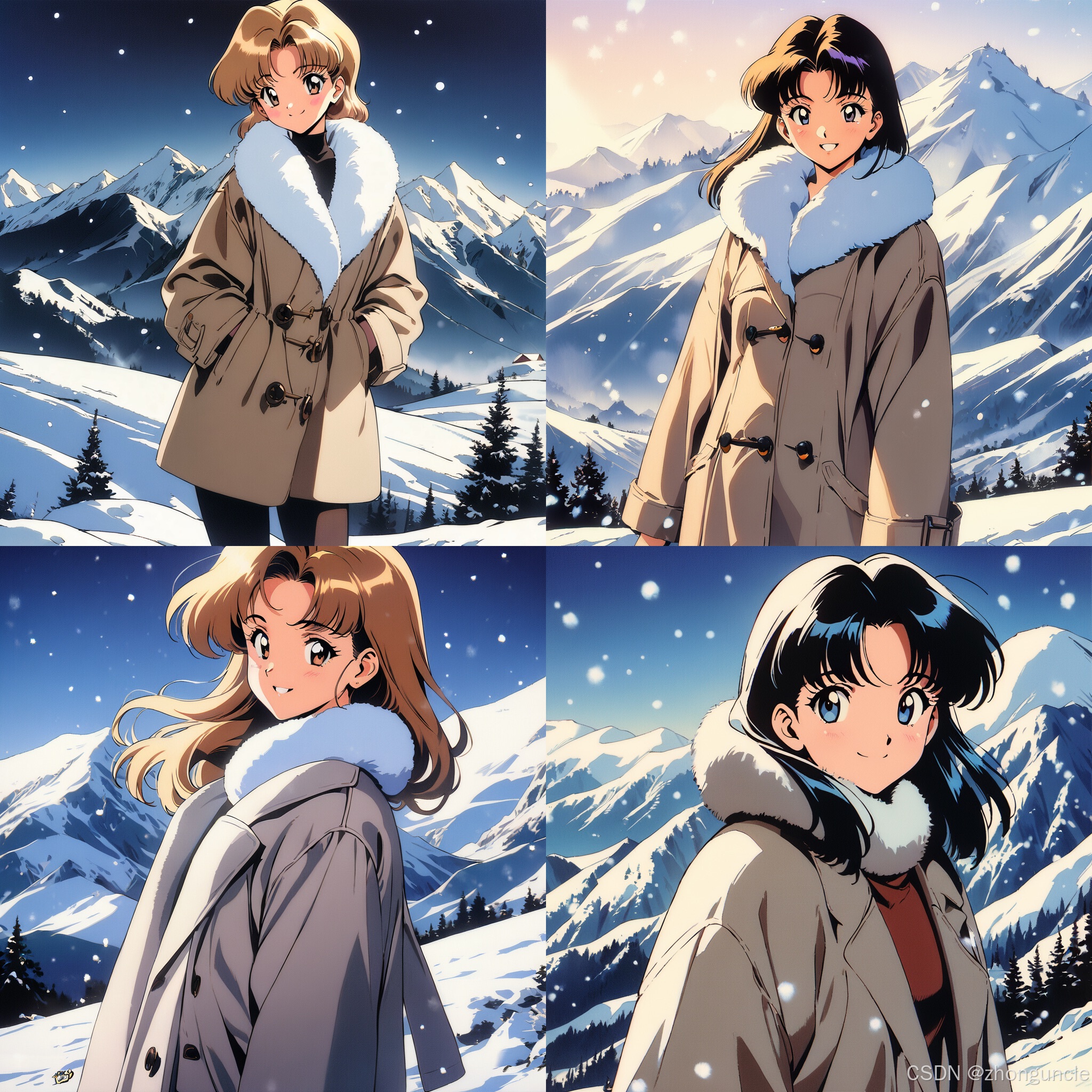
Demo: Seed Variations
Images with larger seed gaps show more significant differences:
Prompt and Negative Prompt
These are the most critical components. Let’s break down the base prompts and explore advanced usage.
Base Prompt Analysis
Positive Prompt Breakdown
1girl, looking at viewer, wool coat, fur collar, smile, standing on a hillside, snowfall, mountains in the background, masterpiece, best quality, very aesthetic, 1990s style, retro artstyle,
Covers: Character (1girl), pose (looking at viewer), clothing (wool coat, fur collar), expression (smile), setting (standing on a hillside, snowfall, mountains), quality (masterpiece, best quality), and style (1990s style, retro artstyle).
Negative Prompt Breakdown
This is my go-to Negative Prompt for most scenarios:
lowres, bad anatomy, displeasing, ugly, fewer digit, extra digit, missing fingers, bad hands, blurry, (low quality, worst quality:1.3)
Targets: Low resolution (lowres), anatomical errors (bad anatomy), unpleasant/ugly details, digit abnormalities (fewer/extra/missing fingers), bad hand rendering (bad hands), blurriness, and low quality (amplified by 1.3x weight).
Artist Style Prompts
Animagine XL V3.1 supports style specification in two ways:
- General styles (e.g.,
1990s style, retro artstyle). - Artist-specific styles: Add
(Artist Name:1.3)to the prompt (1.3x weight amplifies the style).
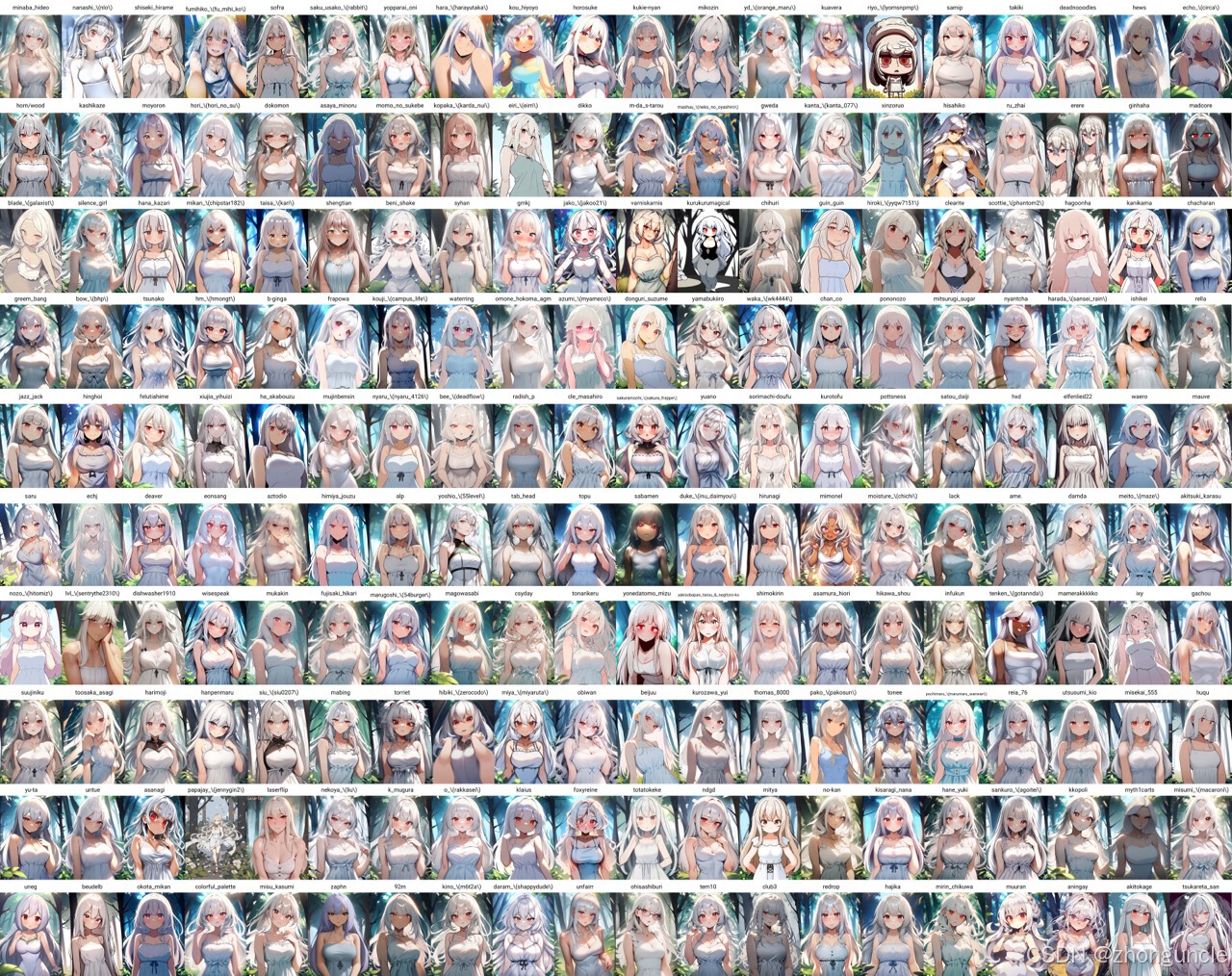
A comprehensive list of compatible artists is available here: Animagine XL v3.1 - Artists’ Style Sheet. Example snippet:
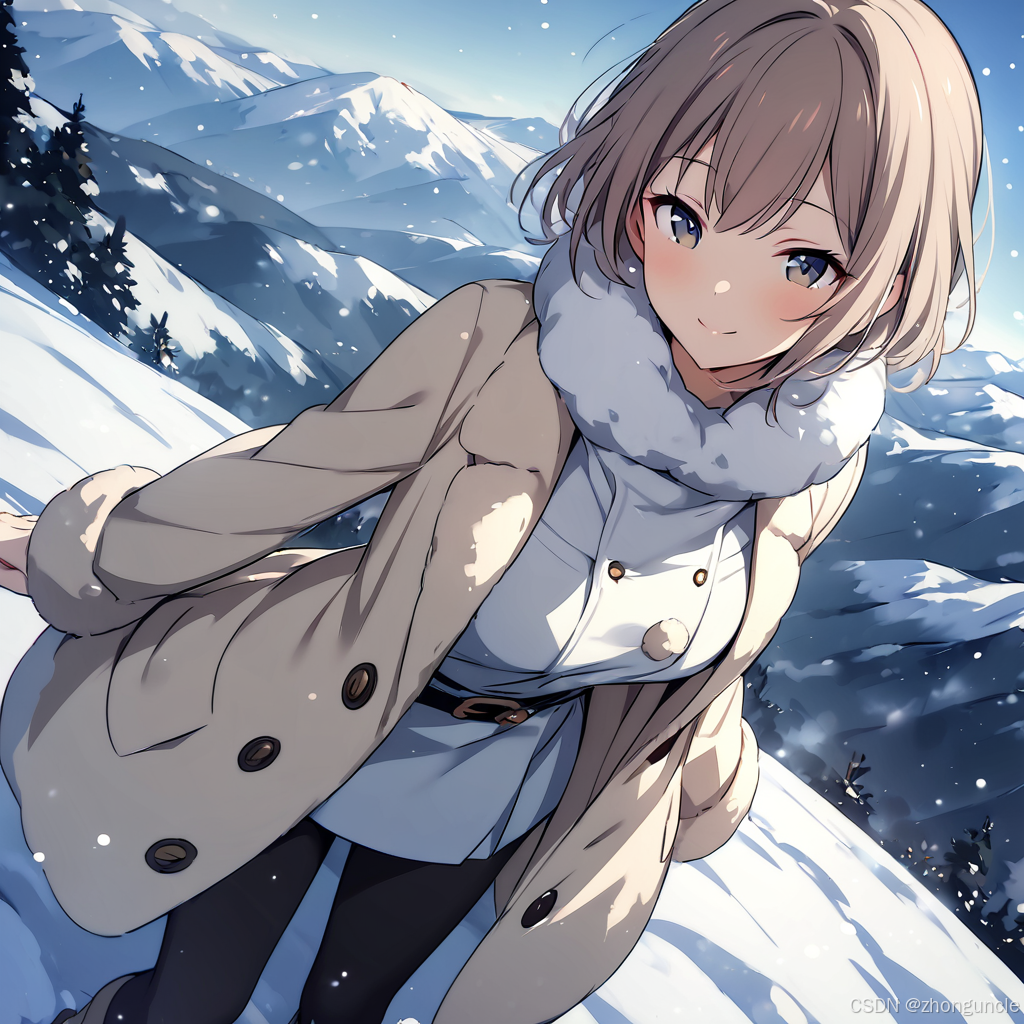
Demo 1: Artist “tinnies”
1girl, looking at viewer, wool coat, fur collar, smile, standing on a hillside, snowfall, mountains in the background, masterpiece, best quality, very aesthetic, (tinnies:1.3)
Generated image:
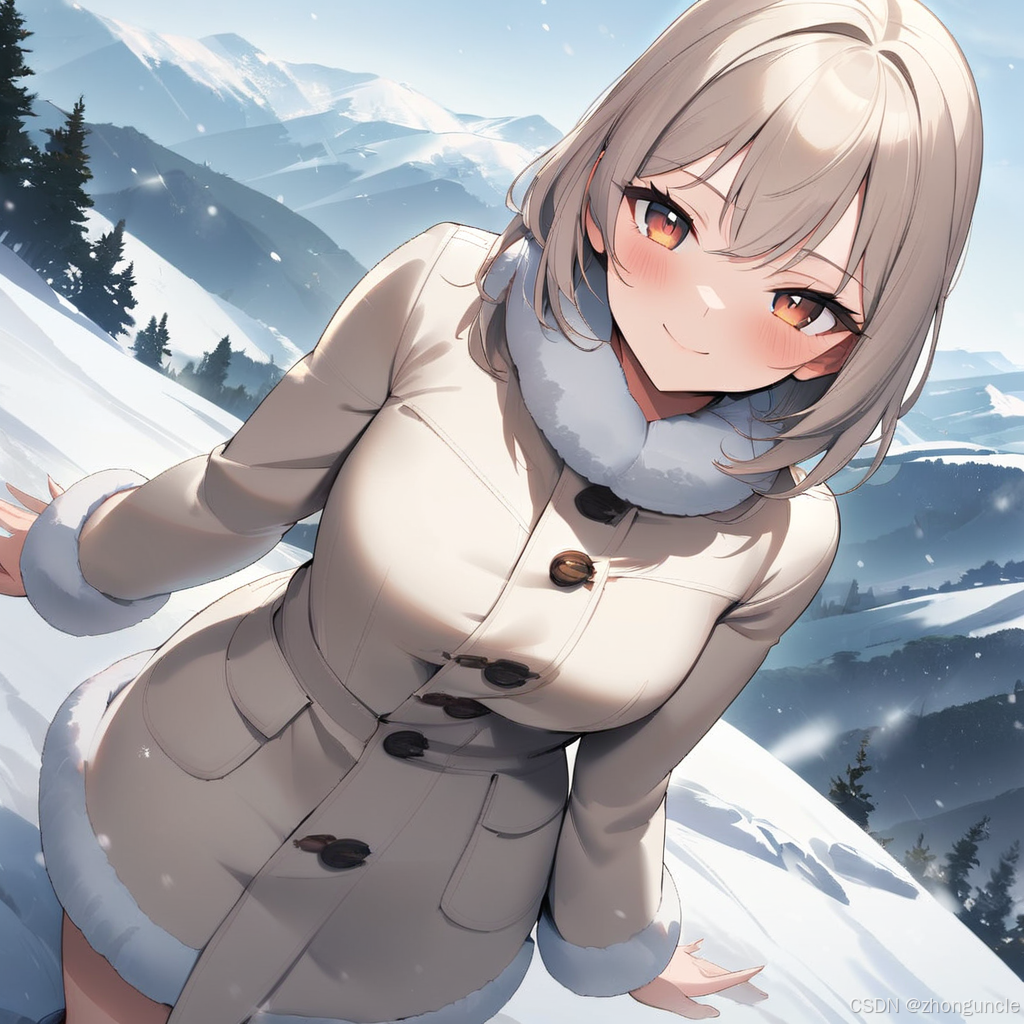
Demo 2: Artist “sekina”
1girl, looking at viewer, wool coat, fur collar, smile, standing on a hillside, snowfall, mountains in the background, masterpiece, best quality, very aesthetic, (sekina:1.3)
Generated image:
Teach You to Fish: Danbooru Tags
What Are Danbooru Tags?
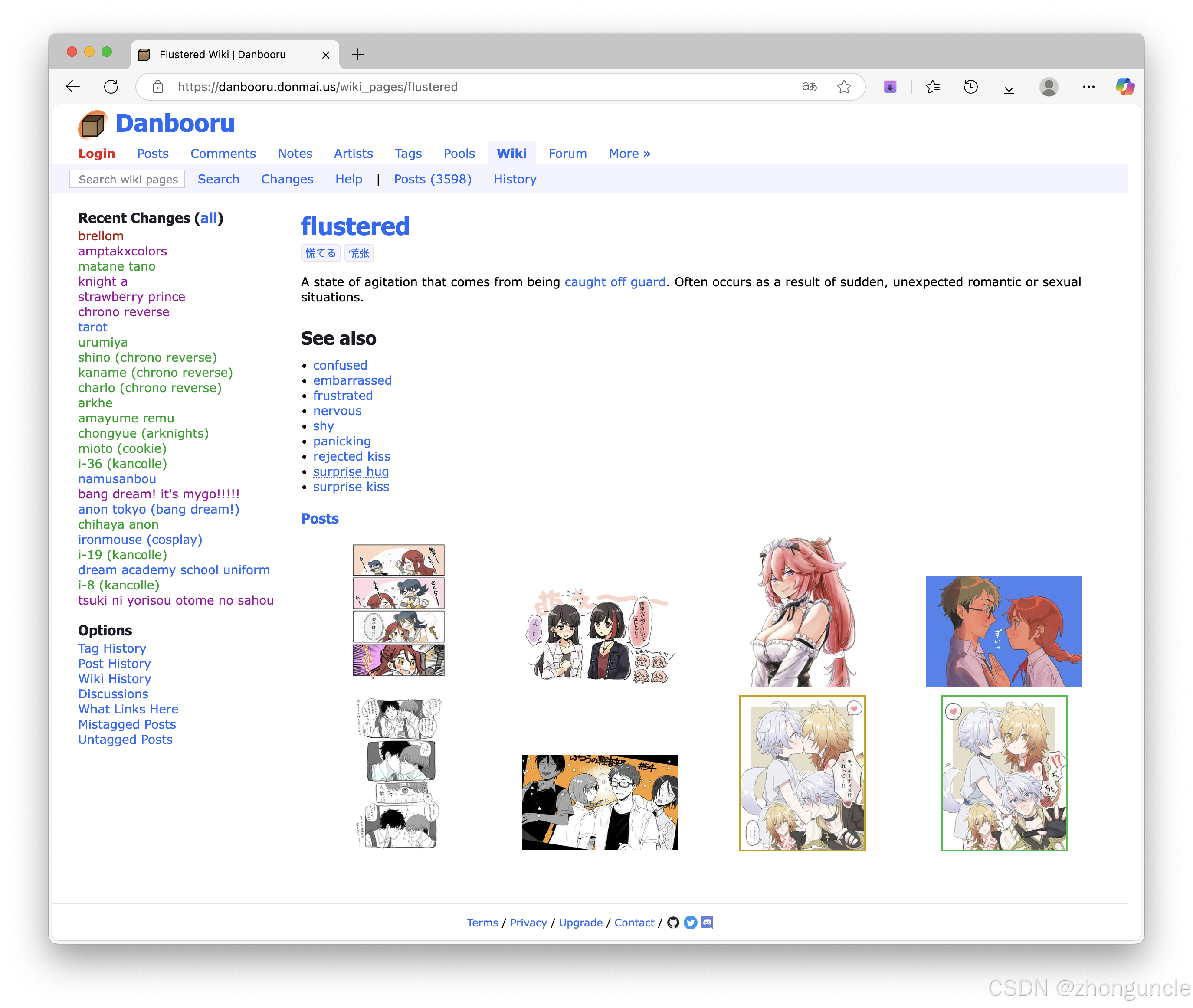
Notice how prompts use short phrases (not full sentences)? Danbooru tags is a community-driven database of tags covering styles, poses, expressions, objects, and more (note: contains NSFW content).
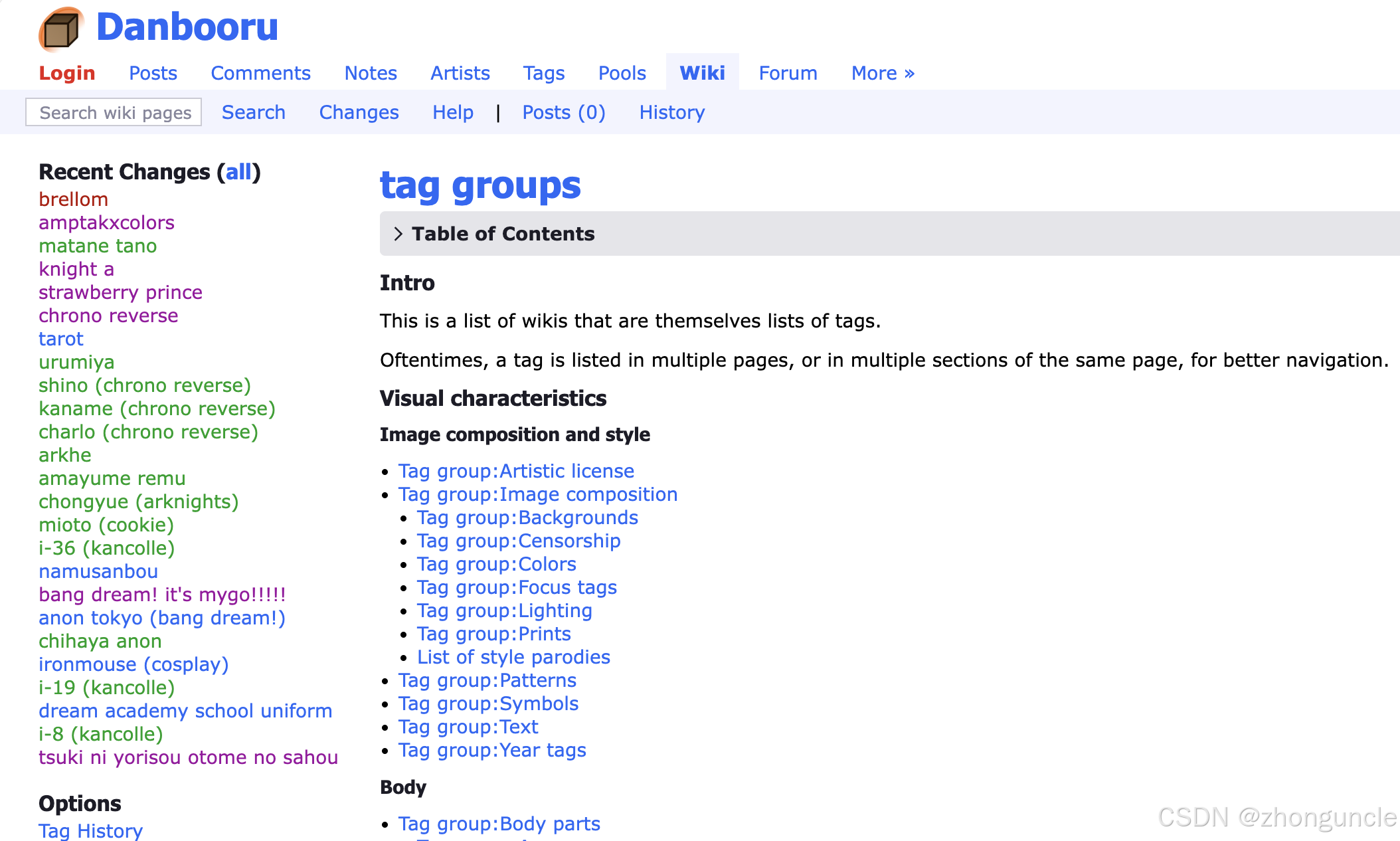
For example, the tag flustered (described as “embarrassed/nervous”) includes visual examples:
How to Use Danbooru Tags
Let’s demo with expressions and backgrounds:
Demo 1: Expression Swap (Smile → Flustered)
Change smile to flustered (I think this translates better to “shy” than “flustered” based on examples):
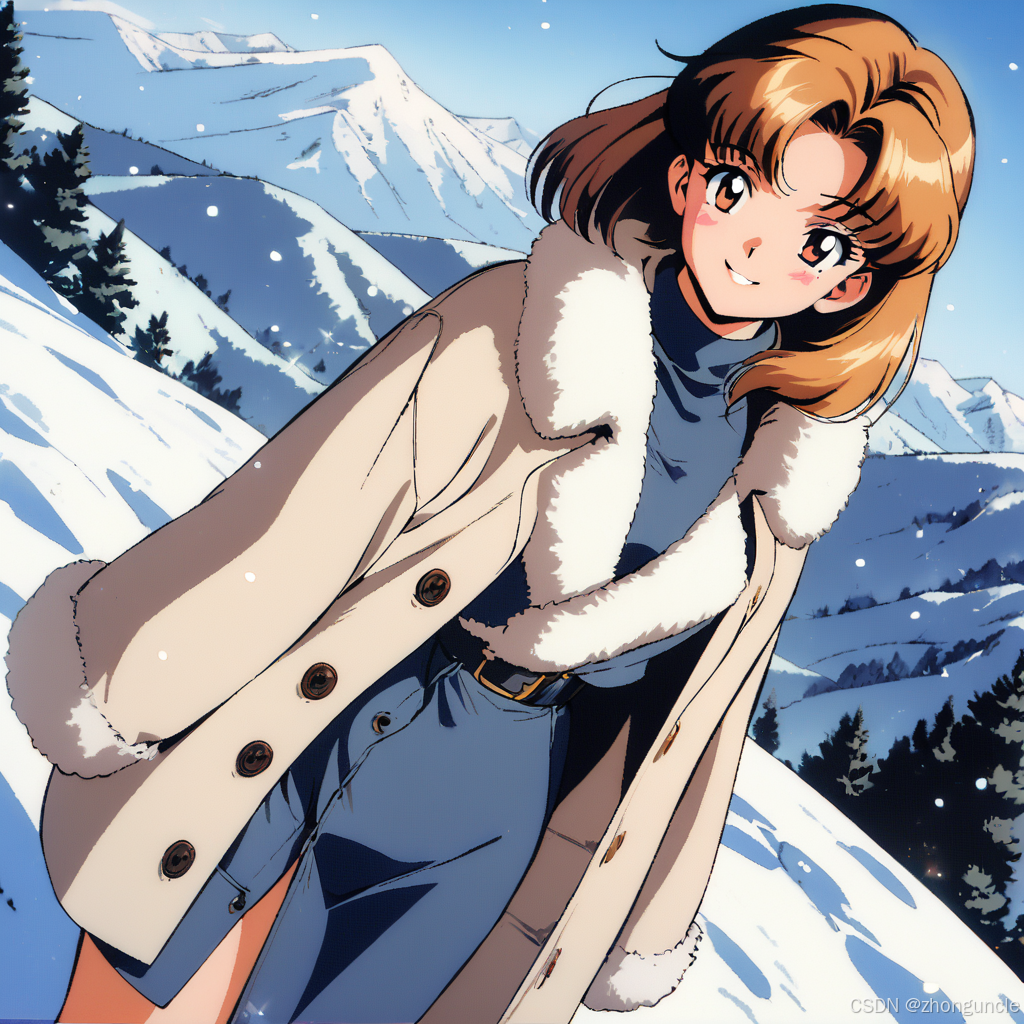
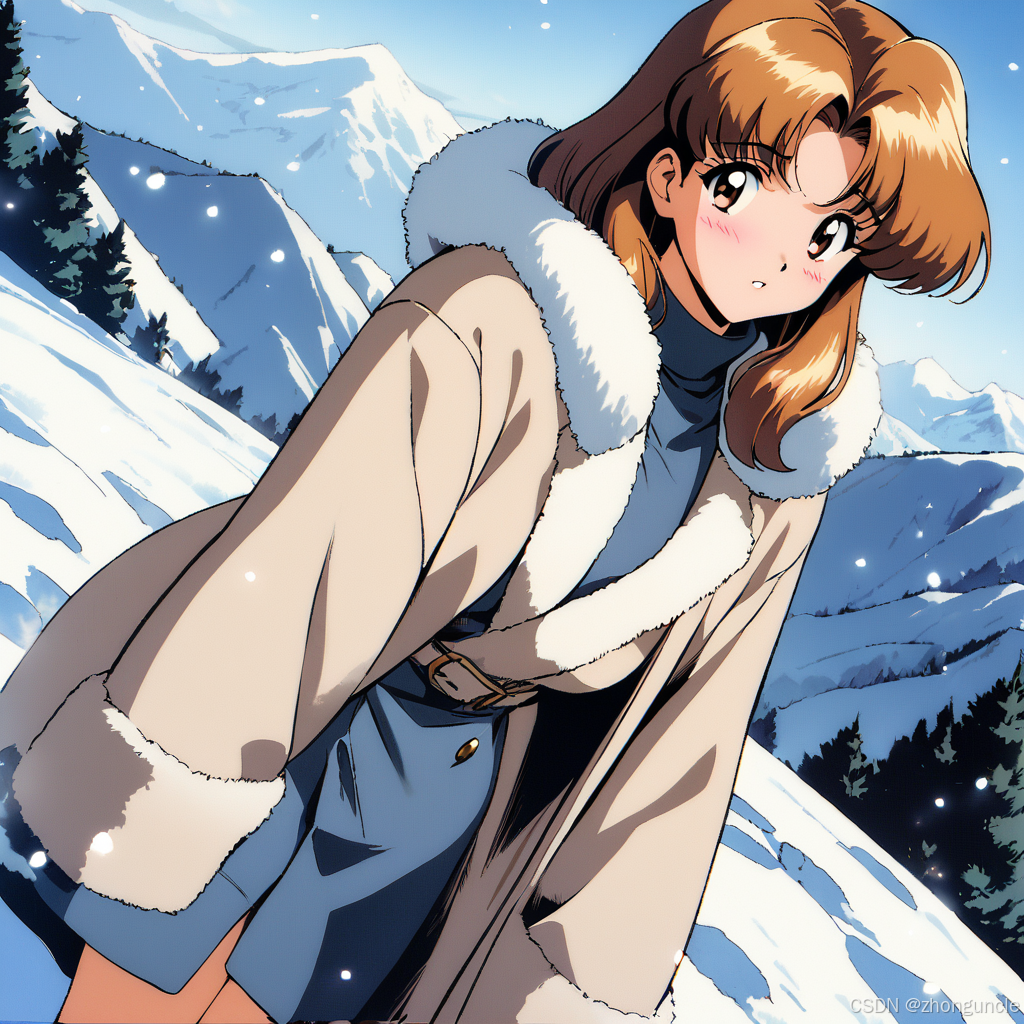
The expression clearly shifts to shy/embarrassed.
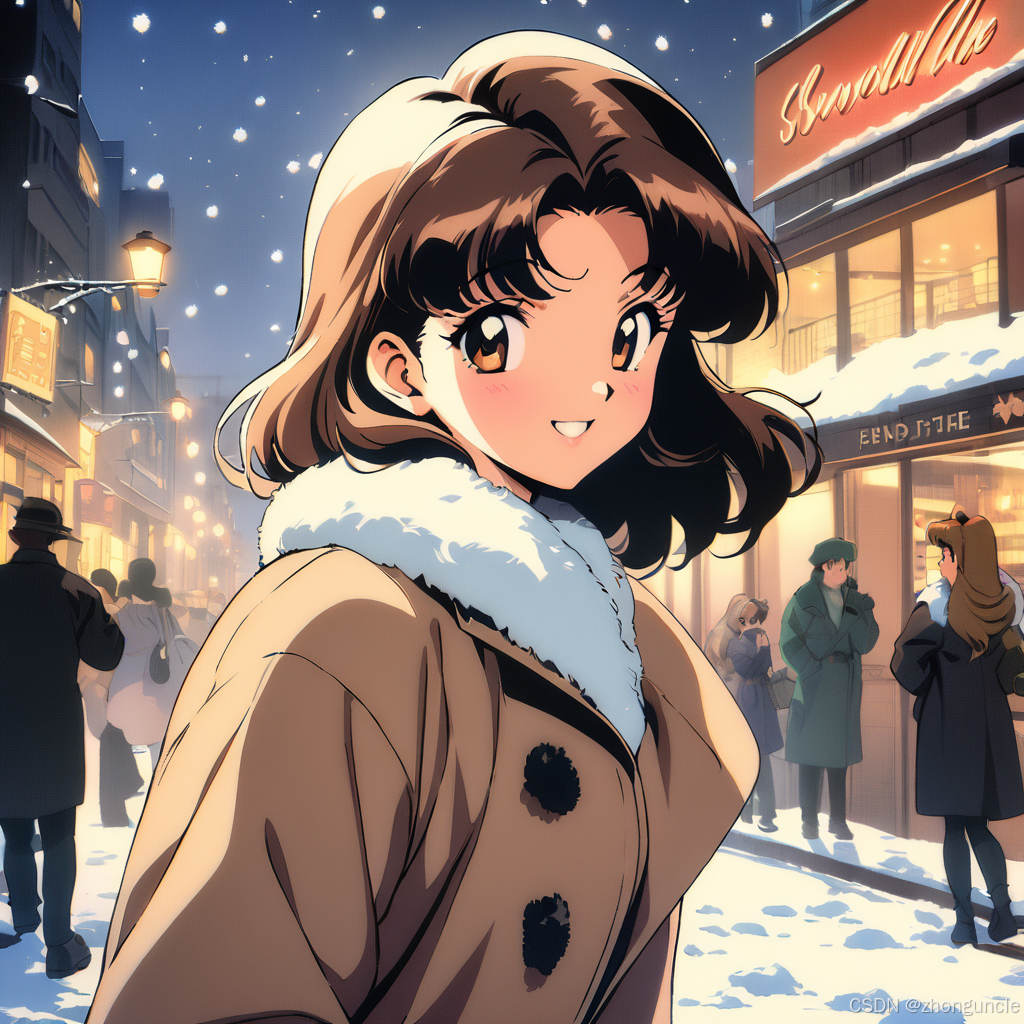
Demo 2: Background Swap (Mountains → City Street)
Replace standing on a hillside, mountains in the background with city street in the background:
1girl, looking at viewer, wool coat, fur collar, smile, snowfall, city street in the background, masterpiece, best quality, very aesthetic, 1990s style, retro artstyle,
Generated image (correct background):
Generated image (forgot to remove standing on a hillside—inconsistent composition):
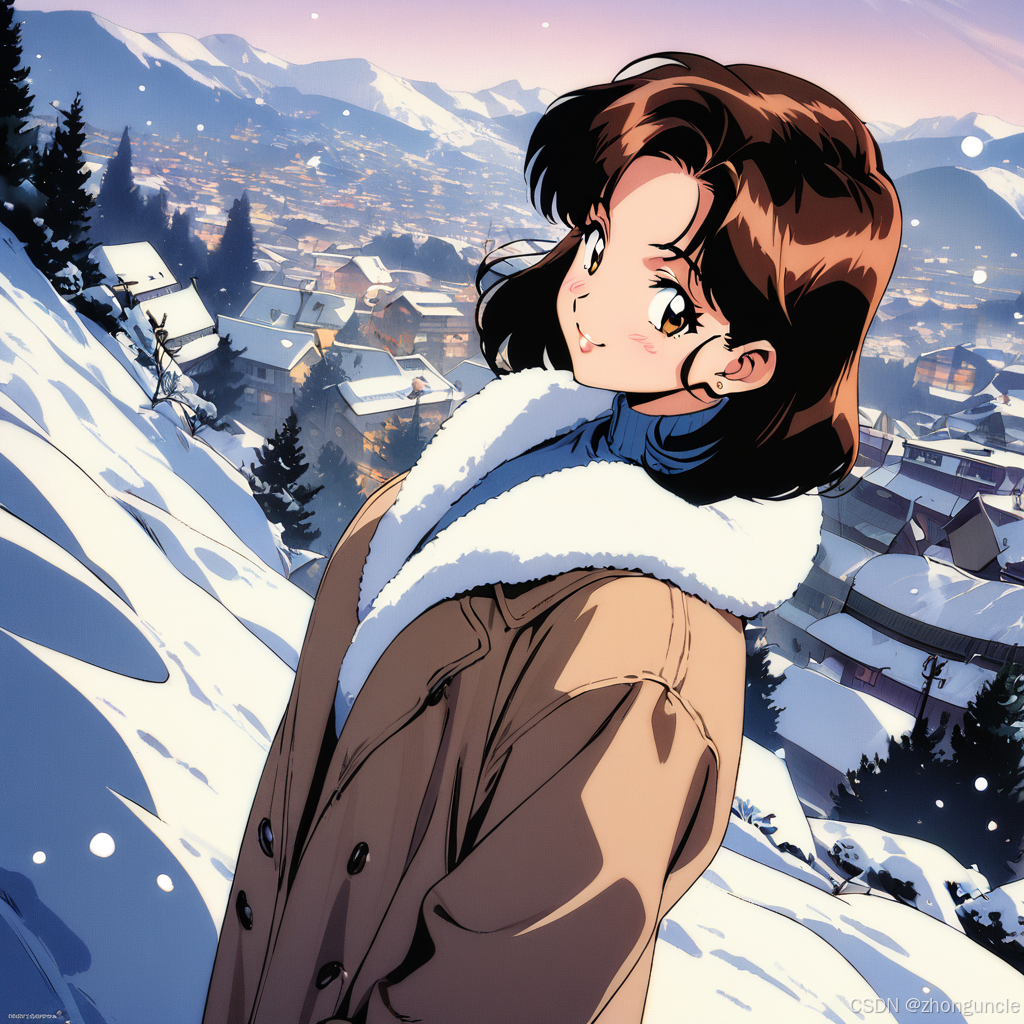
Explore more prompts by browsing Danbooru tags and experimenting on your own!
I hope these will help someone in need~