Jekyll Not Generating HTML? Fix UTF-8 with BOM Encoding Issue
Today, while translating a blog post, I noticed Jekyll wasn’t generating HTML files as it usually does. After troubleshooting for a while, I found the cause: Jekyll cannot correctly recognize files encoded in UTF-8 with BOM.
The byte-order mark (BOM) is used for text streams like HTML to prevent potential issues. For details, see The byte-order mark (BOM) in HTML - W3C—this article won’t go into further explanation.
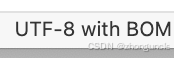
When opening such files in VSCode, the encoding is displayed as “UTF-8 with BOM” at the bottom, as shown below:
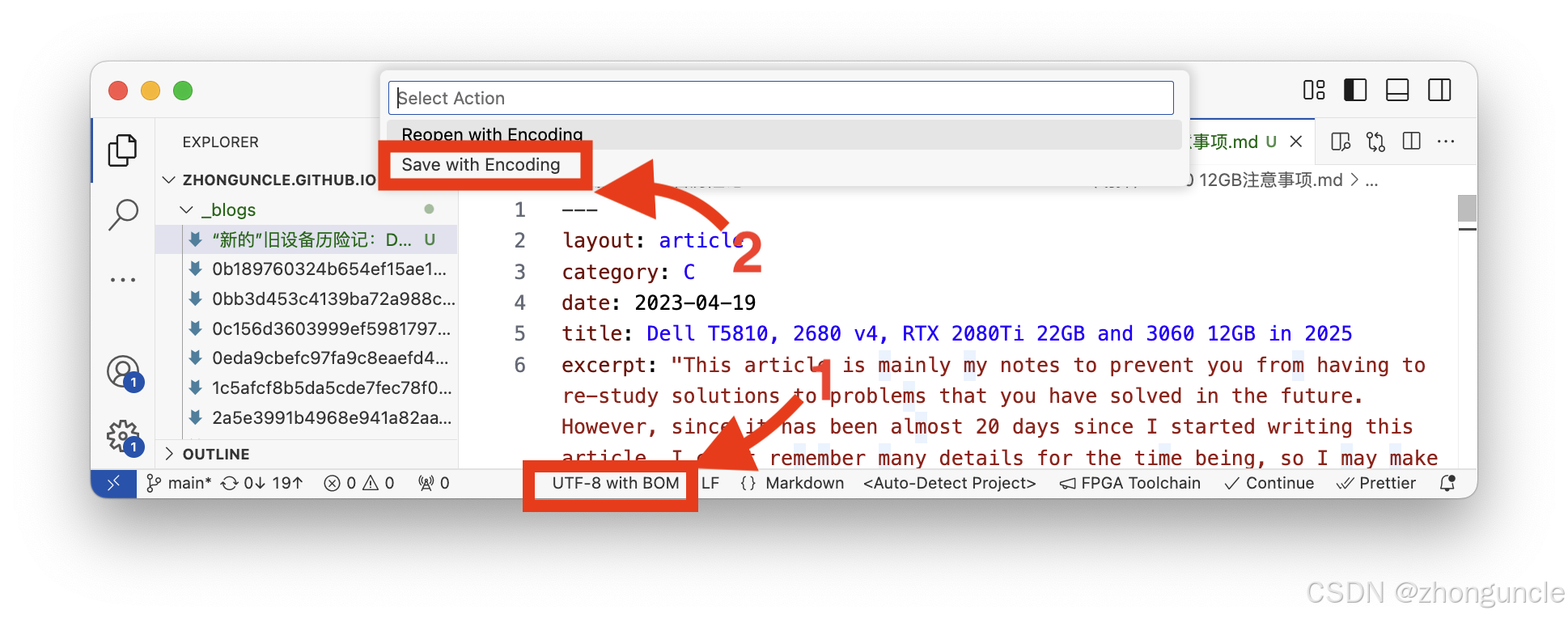
Fixing this is simple—just convert the file to standard UTF-8. No extra software is needed; VSCode can do it in seconds:
- Click the encoding display area at the bottom (labeled “UTF-8 with BOM” in the image).
- Select “Save with Encoding” from the top menu, then choose standard “UTF-8”.
I hope these will help someone in need~